auto-config-banner
•
MACOS AUTOMATION
AUTOMATOR
IWORK AUTOMATION
•

The “Configuration Utility Script Library”
Configuration-Utility-Icon

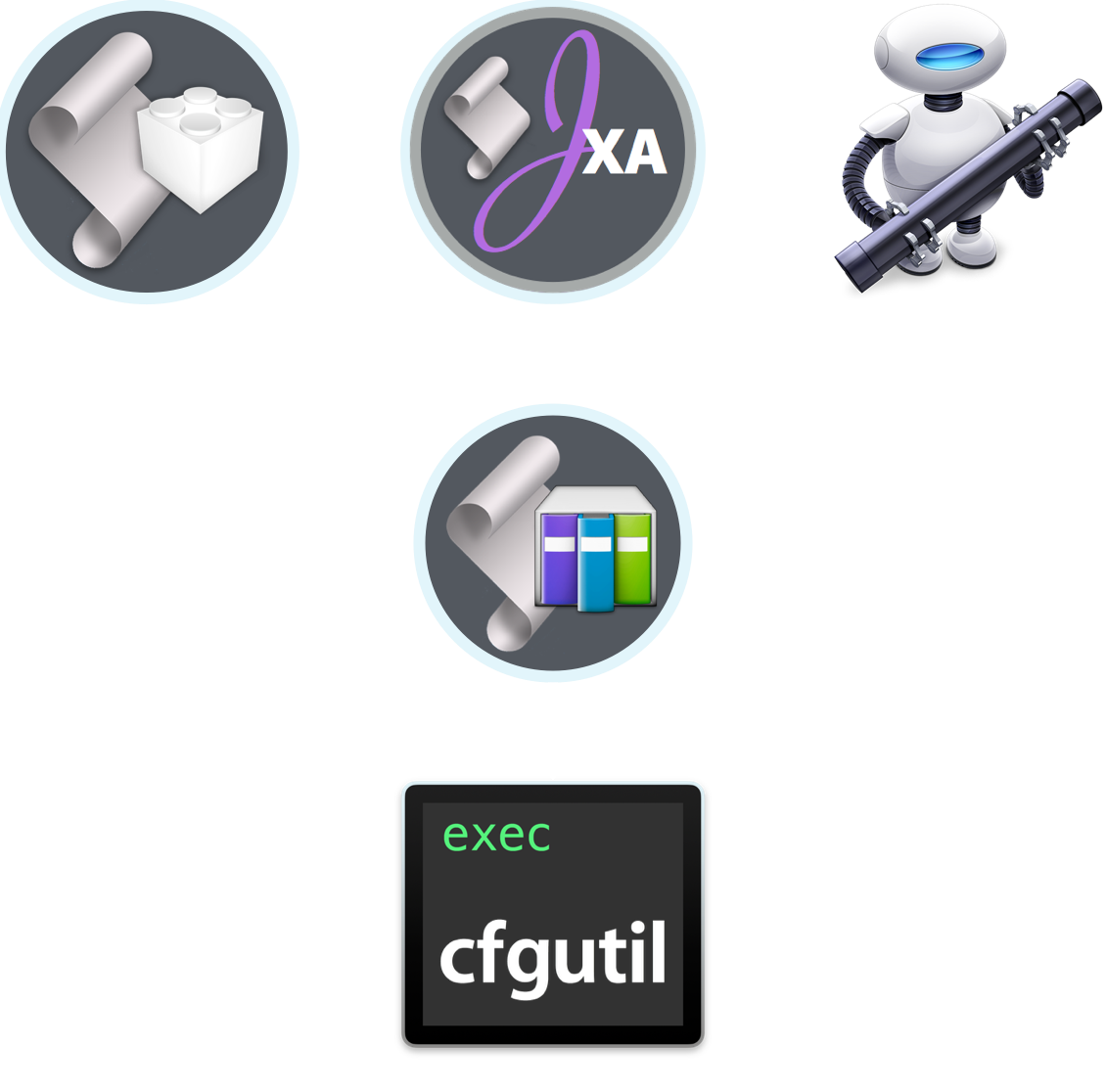
The Apple Configurator Automator actions are based upon the Configuration Utility Script Library, a collection of handlers, written in AppleScriptObj-C, that serve as an Apple Event interface to the Apple Configurator’s built-in command-line tool: cfgutil

While the handlers contained in this library are used by the Apple Configurator Automator actions, they may also be called by external AppleScript and JavaScript (JXA) scripts, as well as from within the Run AppleScript or Run JavaScript Automator actions. And in fact, the script library provides the handlers used by the Apple Configurator Automator actions to perform their tasks.
library-relationship

Viewing the Apple Configurator Script Library

Detailed documentation containing explanations and examples for using the script library handlers are provided here, or can be viewed in your default web browser by running this script in the Script Editor application:

Summon Help for Script Library
  
01tell script "Configuration Utility" to show help

Calling Library Handlers in a Script

Here are two versions of the same script (written in JavaScript and AppleScript) that use the script library to rename a connected device to a base name appended with its serial number.

NOTE: Most handlers contained by the Configuration Utility library begin with the letters “CNFG”, such as CNFGvaluesOfSpecifiedProperties(…) and CNFGrenameSpecifiedDevice(…) but in the JavaScript for Automation (JXA) language, class names begin with a capital letter, so make the first letter in the handler name a lowercase letter, as shown in the example below, to avoid having JavaScript confuse the handler name with a class:

JavaScript for Automation (JXA)
  
01var ConfigUtil = Library("Configuration Utility")
02 
03 var deviceInfo = ConfigUtil.cNFGvaluesOfSpecifiedProperties("all", ["ECID", "serialNumber"], false)
04 
05 var [deviceCount, propertyTitles, deviceECIDs, serialNumbers] = deviceInfo
06 
07 var baseName = "ACME Middle School"
08 
09 for (var i = 0; i < deviceCount; i++) {
10 var ecid = deviceECIDs[i]
11 var serialNumber = serialNumbers[i]
12 var deviceName = baseName + " " + serialNumber
13 
14 ConfigUtil.cNFGrenameSpecifiedDevice(ecid, deviceName)
15 }
AppleScript
  
01tell script "Configuration Utility"
02 (* example of how to rename devices with names based on their serial numbers *)
03 
04 -- get info for connected devices
05 copy CNFGvaluesOfSpecifiedProperties("all", {"ECID", "serialNumber"}, false) to ¬
06 {deviceCount ¬
07 , propertyTitles ¬
08 , theseDeviceECIDs ¬
09 , theseSerialNumbers}
10 
11 -- process devices
12 set baseName to "ACME Middle School"
13 repeat with i from 1 to the deviceCount
14 set thisECID to item i of theseDeviceECIDs
15 set thisSerialNumber to item i of theseSerialNumbers
16 set thisDeviceName to baseName & space & thisSerialNumber
17 CNFGrenameSpecifiedDevice(thisECID, thisDeviceName)
18 end repeat
19end tell

Adding Scripts to Workflows

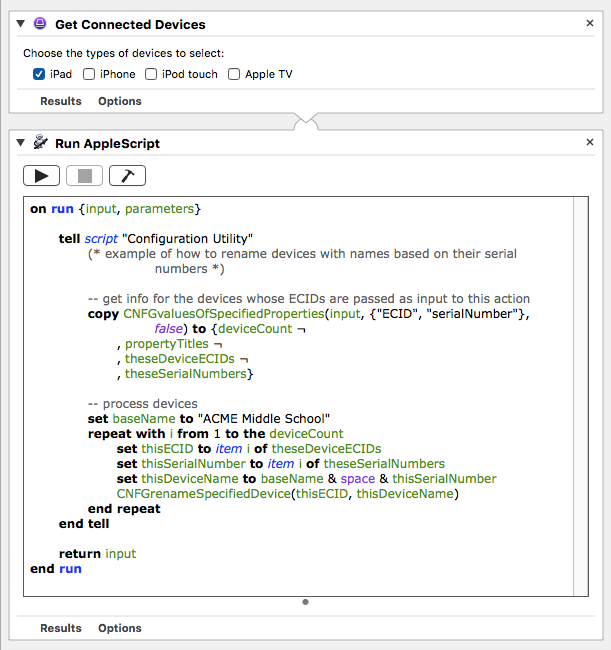
By default, Automator includes actions for adding custom script code to workflows: Run AppleScript, Run JavaScript, and Run Shell script. Adding the Run AppleScript or Run JavaScript actions to your configuration workflow allows you to process the passed devices with your own customized script routines that can optionally include calls to the Configuration Utility script library  (⬇ see below ) 
using-scripts-in-workflow

NEXT TOPIC: Workflow Recipes

TOPICS

  • Overview
  • Automator Quick-Start

  • Supervision Identity
  • Selection Actions
  • DEP Actions
  • Formatting Actions
  • Backup Actions
  • Installation Actions
  • Information Actions
  • Configuration Utility Script Library
  • “Attached” Workflows

  • Workflow Recipes
  • iOS Classroom

ABOUT AppleScriptObj-C

AppleScriptObj-C is a dynamic fusion of the AppleScript and Objective-C programming languages, and is used to create both the Apple Configurator script library and Configurator’s default collection of Automator actions.

Comprehensive 3rd-party documentation and tools for writing and deploying AppleScriptObj-C applications, scripts, and script libraries are available from Myriad Communications.

LINK TO MYRIAD COMMUNICATIONS WEBSITE

DISCLAIMER

THIS WEBSITE IS NOT HOSTED BY APPLE INC.

Mention of third-party websites and products is for informational purposes only and constitutes neither an endorsement nor a recommendation. MACOSXAUTOMATION.COM assumes no responsibility with regard to the selection, performance or use of information or products found at third-party websites. MACOSXAUTOMATION.COM provides this only as a convenience to our users. MACOSXAUTOMATION.COM has not tested the information found on these sites and makes no representations regarding its accuracy or reliability. There are risks inherent in the use of any information or products found on the Internet, and MACOSXAUTOMATION.COM assumes no responsibility in this regard. Please understand that a third-party site is independent from MACOSXAUTOMATION.COM and that MACOSXAUTOMATION.COM has no control over the content on that website. Please contact the vendor for additional information.